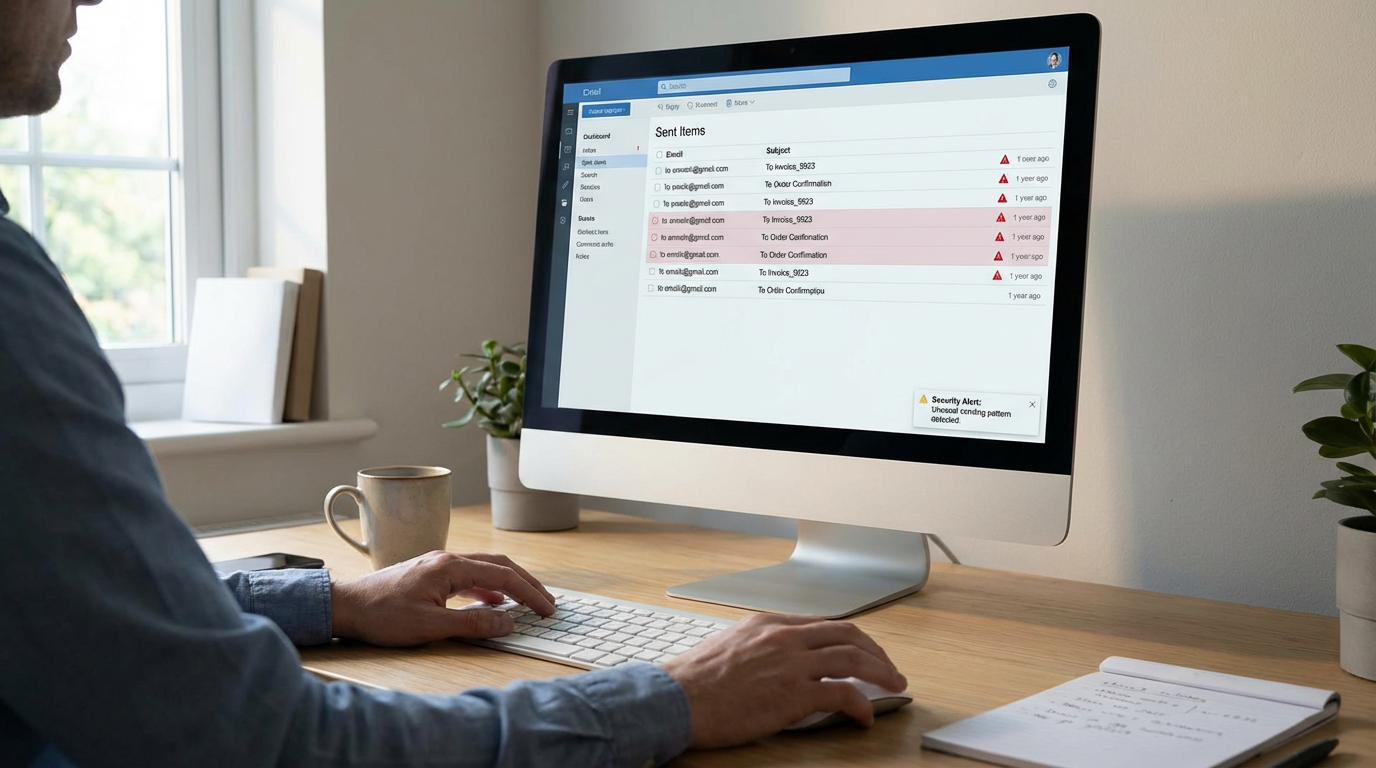
Why is my business email sending spam? Your business email is sending spam because a hacker or malicious software has gained access to your account password. They are using your trusted email address to send phishing links or scams to your contacts.
It usually starts with a confused message from a client asking if you really sent them a strange link. When your business email sends spam, it damages your professional reputation and breaks the trust you have built with your customers. If you do not stop it quickly, your email address could be blacklisted, meaning your real emails will never reach their destination.
Signs Your Business Email Has Been Compromised
You might not notice the problem right away. Look out for these clear warning signs that someone else is using your account:
- Your “Sent” folder contains messages you did not write or send.
- Your email password suddenly stops working, or you get an alert that it was changed.
- Clients or contacts report receiving strange emails or unexpected invoices from you.
- You receive login alerts from unknown devices or locations you have never visited.
- You find new email forwarding rules in your settings that you did not create.
- Your inbox is full of bounce-back messages for emails you never sent.
Why This Is Happening
Hackers do not need to break into your office to steal your email. They usually get your password through one of these common methods:
- Spyware or keyloggers: Malicious software on your computer secretly recorded you typing your password.
- Phishing emails: You were tricked into entering your login details on a fake website that looked like your real email provider.
- Weak or reused passwords: You used a simple password, or you used the same password on another website that was recently hacked.
- Stolen browser data: Malware stole the passwords you saved directly inside your web browser.
If you suspect malware is involved, it is important to understand how spyware operates differently from adware so you know what you are dealing with.
How to Fix It: Step-by-Step
You need to lock the hacker out of your account immediately. Follow these steps in order to secure your email and protect your contacts.
- Change your email password immediately: Log into your email provider and create a strong, unique password that you have never used anywhere else.
- Enable two-factor authentication: Turn on two-factor authentication (2FA) in your email settings. This requires a code from your phone to log in, which stops hackers even if they have your new password.
- Check for email forwarding rules: Hackers often set up rules to forward your incoming emails to themselves. Check your email settings and delete any forwarding rules you did not create.
- Scan your computer for spyware and malware: The hacker might still be watching your computer. Run a full system scan using a reputable security tool to find and remove any hidden threats. If your browser settings have also been changed, follow our browser hijacker removal guide to clean those up as well.
- Notify your contacts: Send a brief, professional email to your contacts letting them know your account was compromised. Tell them to delete any strange emails they received from you recently.
- Check other accounts: If you used your old email password on any other websites, change those passwords immediately before the hacker tries them.
How to Protect Your Business Email Going Forward
Once your account is secure, you need to make sure this does not happen again. A few simple habits can keep your business email safe:
- Never reuse passwords across different business accounts or services.
- Always use two-factor authentication for any account that holds client data or financial information.
- Train your team to spot phishing emails and fake login pages.
- Keep an eye out for warning signs of adware or malware on your work computers, as these often lead to stolen passwords.
For more practical guides like this, explore our adware removal tools and resources.
If you want to go beyond one-off fixes like this and protect your business long-term, we are developing a series of short, practical cybersecurity courses designed specifically for small business owners. These focus on real-world protection strategies you can apply without needing an IT department.
You can learn more at neilbrownreviews.com.